Let Your Customers Build Your Roadmap: Introducing Feature Voting in Laravel CRM
The new features module adds a public feature-request and voting board — think Canny or UserVoice — right inside your CRM. Customers submit ideas, vote, and comment, while your team manages the roadmap next to the very contacts who asked for the work.
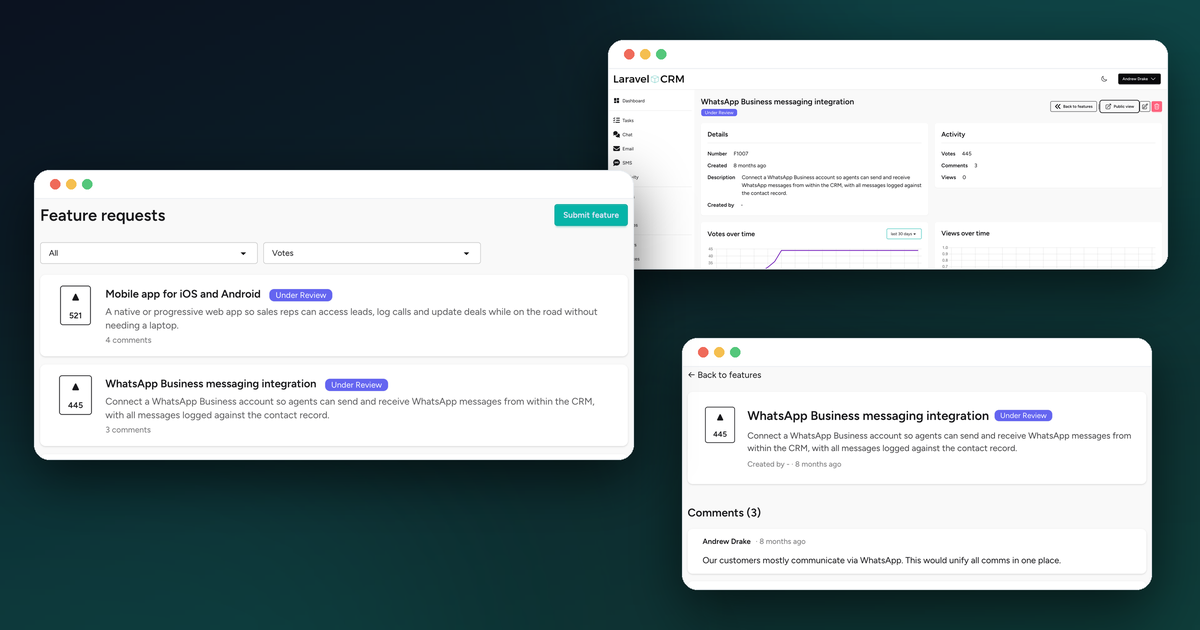
Every product team eventually faces the same question: what should we build next? The best answer almost always comes from your customers — but the tools for collecting that feedback usually live miles away from where you actually know your customers. You pay for a separate feedback board, your customers create yet another account, and the people voting on your roadmap are just anonymous email addresses with no connection to the deals, conversations, and history already sitting in your CRM.
Laravel CRM's new features module closes that gap. It adds a proper public feature-request and voting board right inside the CRM you're already running. Customers suggest ideas, vote, and comment from a public portal; your team triages and ships from the admin side — and every voter is a real contact you already know.
And like every other part of Laravel CRM, it's free, open source, self-hosted, and modular. If you don't want it, leave it disabled. If you do, it's one config entry away.
Why a Voting Board Belongs in the CRM
Feedback tools live in their own silo for historical reasons, not good ones. But the people submitting feature requests are your customers — the same customers your CRM already tracks as contacts, deals, and organisations.
Putting the voting board in the CRM means a few practical things:
- Votes have context. A request isn't from "user_4821" — it's from a contact you can see, with a deal size, a history, and an account owner. Ten votes from your biggest customers hit differently than ten from free-tier signups, and now you can tell the difference.
- No extra subscription. You're already self-hosting the CRM. The roadmap rides along on the same app, same database, same portal.
- One less login for everyone. Your team triages requests next to the customer record; your customers vote from a portal that's part of your own product, not a third-party domain.
It won't replace a dedicated product-management suite for a large org with a full research team — and it isn't trying to. It's the right amount of feedback tooling for a customer-focused business that wants to listen, prioritise, and close the loop.
What It Does
At its core, the module gives you two views of the same roadmap: a public board your customers see, and an admin side your team works from.
Customers submit and vote. Anyone signed in to your portal can suggest a feature, vote on existing ones, and leave comments. Voting is strictly one vote per person per request — enforced at the database level — so the counts you see reflect real demand, not whoever clicked fastest. Your team can vote from the admin side too.
Your team manages the roadmap. On the admin side you get a list view with search and status filters, plus a kanban board grouped by status so you can drag requests through your pipeline. Out of the box you get five roadmap statuses — Under Review, Planned, In Progress, Completed, and Declined — and you can rename them, recolour their badges, and reorder the columns under Settings.
Comments keep the conversation going. Each request has threaded comments, and replies from your team are visually flagged as official, so customers can tell an answer from the maintainers apart from community chatter.
Charts and engagement tracking
Open a request on the admin side and you get votes over time and views over time charts side by side, with a period selector for the last 7, 30, 90, or 365 days. A paginated voters card sits alongside them so you can see exactly who voted and when — and follow up with the accounts that care most.
View tracking is built in: every visit to a public request is recorded, and views are de-duplicated within a configurable window (60 minutes by default) so a few page refreshes don't inflate the numbers.
Notifications that close the loop
The module keeps everyone in the loop automatically. Feature admins are notified when a new request comes in. When you move a request to a new status — say, from Planned to In Progress — every voter and the original submitter gets notified. And when someone comments, the request's owner and assignee hear about it. Customers find out their idea is happening without you having to chase anyone.
Setting It Up
If you're already running Laravel CRM v2, the features module is built in — you just enable it.
1. Turn on the module
Add features to the optional modules array in config/laravel-crm.php (or select it during laravelcrm:install). The module is gated by the @hasfeaturesenabled Blade directive, so the admin board appears at /crm/features and the public roadmap at /p/features.
2. Open up the portal (optional)
The public board lives on your customer portal. To let visitors self-register so they can vote and comment, enable portal registration in your .env:
LARAVEL_CRM_PORTAL_ALLOW_REGISTRATION=true
Leave it off and only existing portal users can participate — useful if you want the roadmap visible but voting limited to known customers.
3. Shape your roadmap statuses
The installer seeds five sensible statuses, but they're yours to change. Head to Settings → Features → Statuses to rename them, set badge colours, reorder the kanban columns, and mark which statuses count as "closed" (Completed and Declined collapse on the board by default). New submissions inherit whichever status you mark as the default.
4. Tune view tracking (optional)
By default, repeat views from the same visitor within 60 minutes only count once. Adjust the window — or set it to 0 to record every request — from your .env:
LARAVEL_CRM_FEATURES_VIEW_DEDUP_MINUTES=60
Built for a Multi-Tenant CRM
A couple of details matter specifically because this lives inside a CRM that teams share.
Public and private are clearly separated. Each request has an is_public flag, so you can keep internal ideas off the customer-facing board while still tracking them on the admin side. The public surfaces (/p/features) and admin surfaces (/crm/features) are distinct, and the public board only ever shows what you've chosen to publish.
Permissions and teams work like everything else. The module seeds its own permissions — view features, create features, edit features, delete features, and manage feature statuses — wired through a dedicated policy. Requests are team-scoped, carry a full activity timeline, support custom fields, and soft-delete, so they behave exactly like the records you already manage.
Free, Open Source, Yours Forever
Like the rest of Laravel CRM, the features module is MIT licensed and always will be. Self-host it, customise it, and own your data — and your customers' feedback — completely. No vendor lock-in, no per-seat pricing, no surprises.
If you're already on v2, enabling feature voting is a one-line change. If you're new to Laravel CRM, installing the whole thing takes two commands:
composer require venturedrake/laravel-crm
php artisan laravelcrm:install
Your CRM already knows who your customers are. Now it can listen to what they want to see next, too.
Related posts
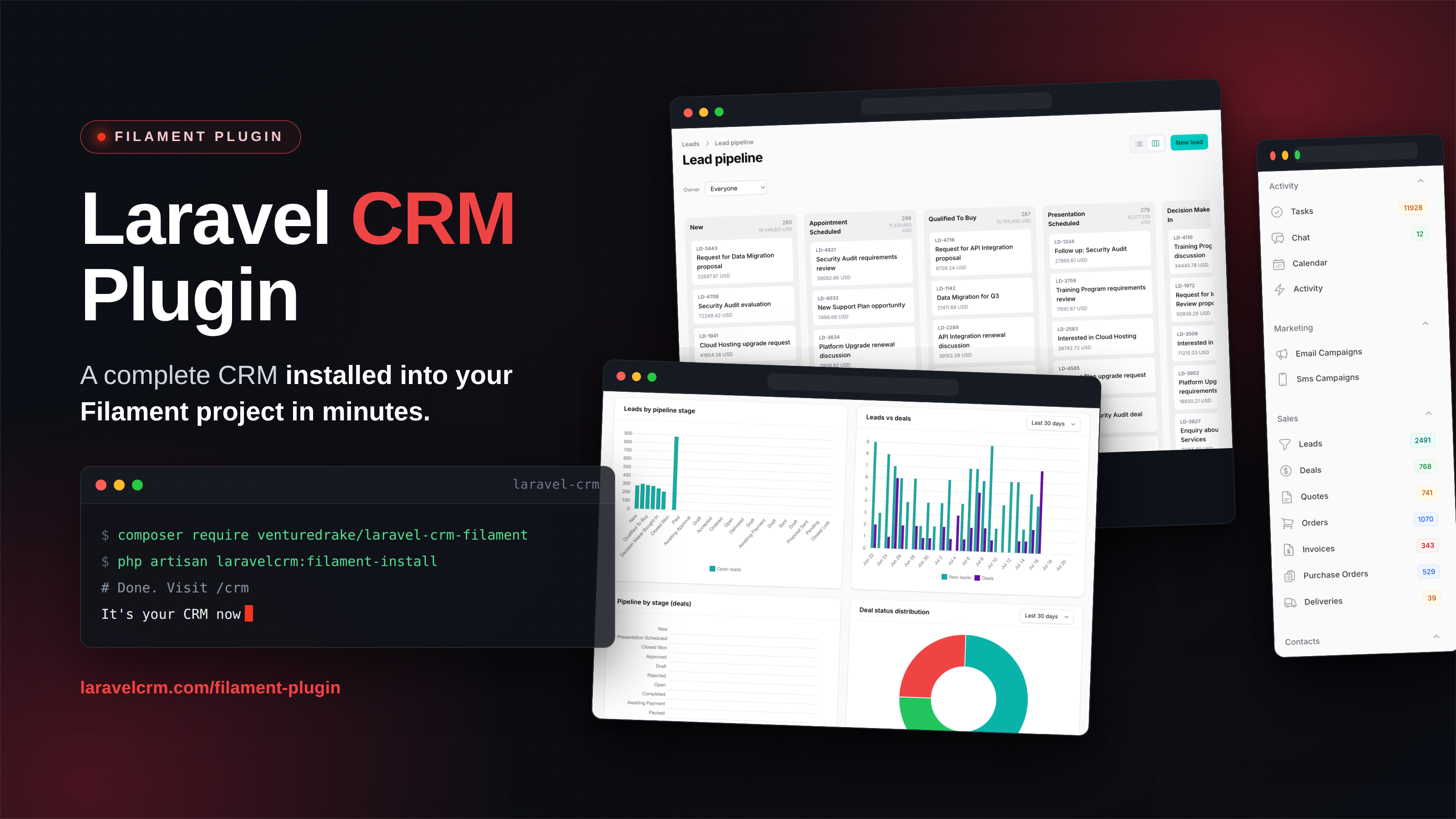
Introducing the Laravel CRM Filament Plugin
Your Filament admin panel just became a full CRM. The new open-source Laravel CRM plugin adds leads, deals, quotes, invoices, and campaigns as native Filament resources — free, MIT-licensed, unlimited users.
Read article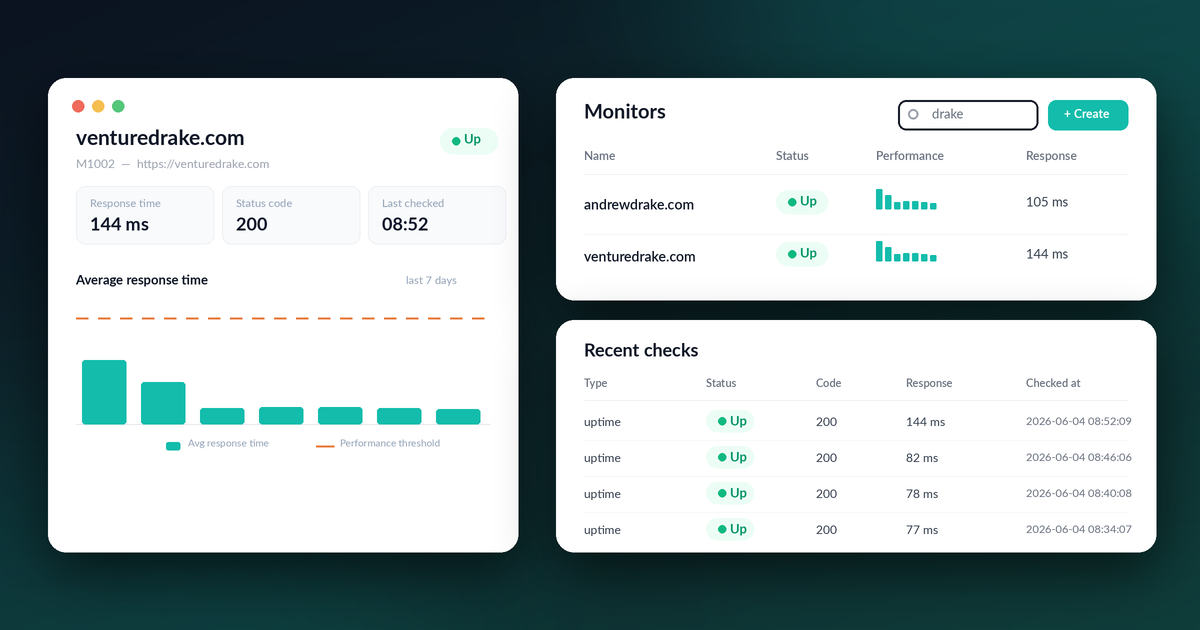
Your CRM Can Now Watch Your Sites: Introducing Uptime Monitoring in Laravel CRM
The new monitoring module turns Laravel CRM into a lightweight uptime and SSL monitor for any endpoint you care about — checked on a schedule, graphed over time, and emailing you the moment something goes down. No separate tool, no monthly subscription, no extra dashboard to log into.
Read article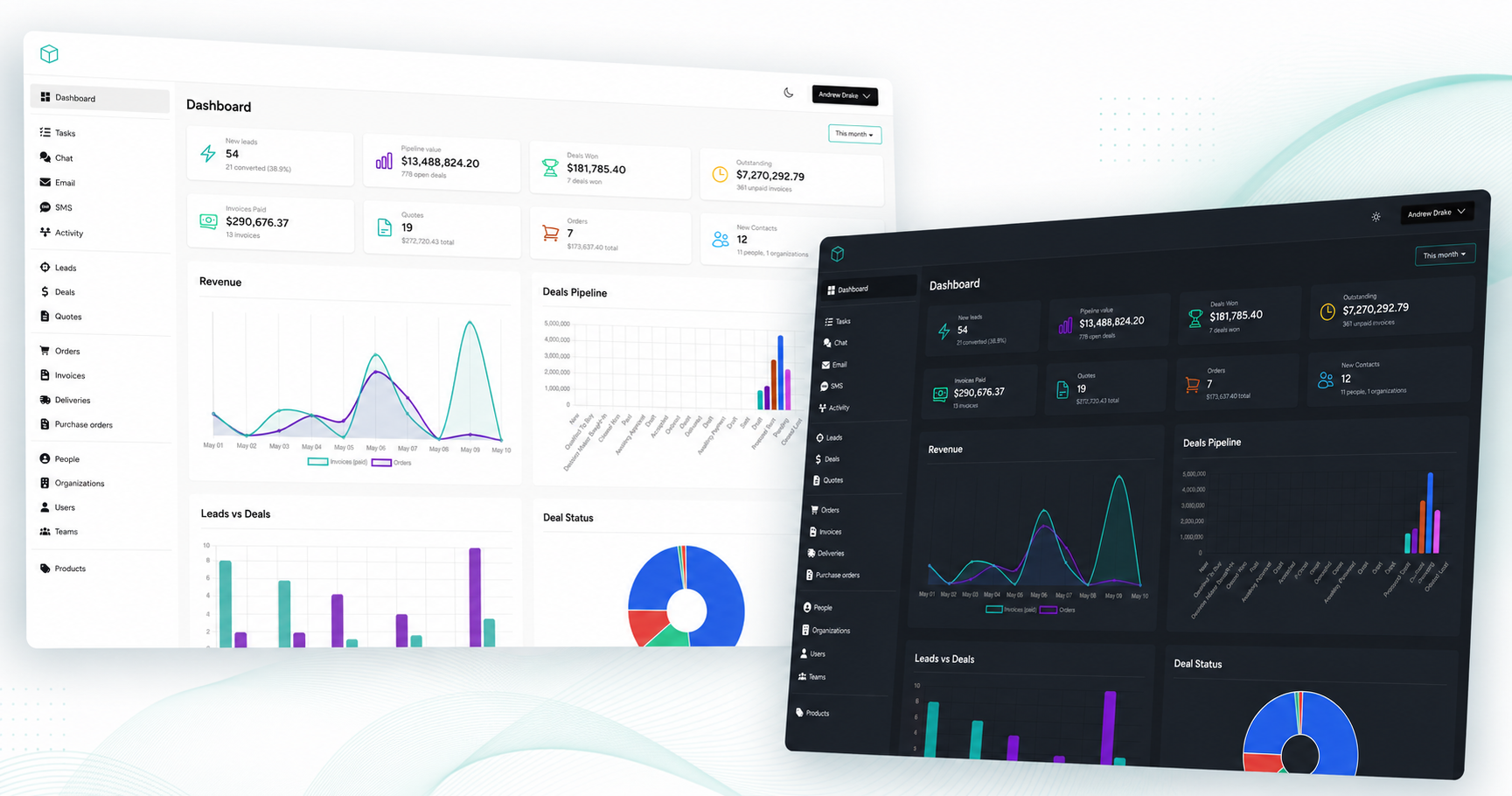
Introducing Laravel CRM v2: New UI, Live Chat, Email Marketing & REST API
Laravel CRM v2 is the biggest release in the project's history — a complete UI rewrite with Tailwind CSS and Livewire 4, three new modules (live chat, email marketing, and SMS), and a brand new REST API. Free, open source, and better than ever.
Read article